How to Photograph the Northern Lights With an iPhone or Android Phone
Most visitors arrive with a phone and nothing else, and a modern phone genuinely handles the aurora if you get three things right. Here is the short version, the settings, and the honest limits.
 Written with Thomas Beaulieu, Yellowknife tour guide & northern lights specialist
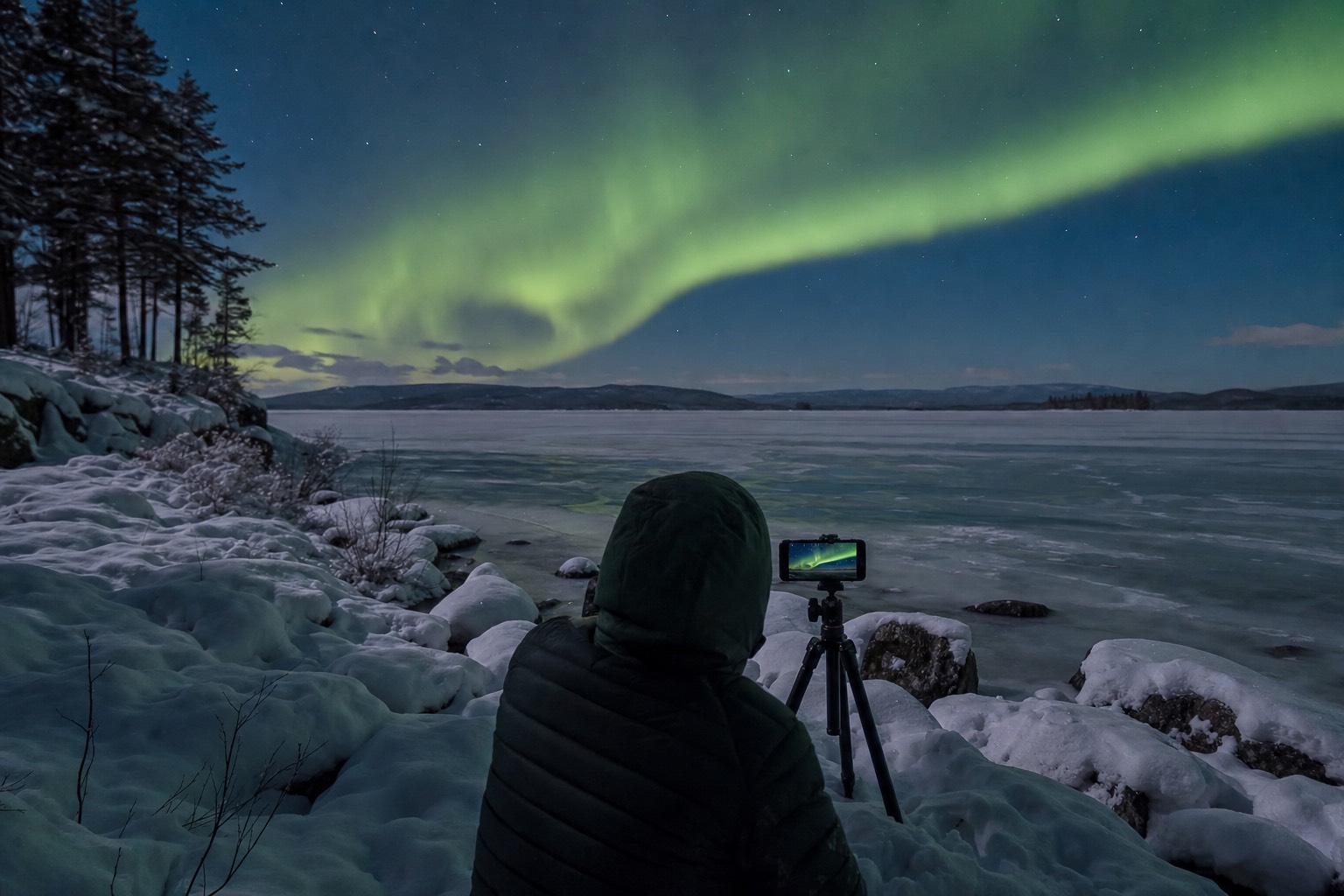
Short answer
Yes, a current phone can photograph the northern lights. Hold it completely still on a small tripod or a snowbank, switch on night mode or a long-exposure mode and let the full countdown run, turn the flash off, and keep the phone warm against your body between shots so the cold does not kill the battery. Faint aurora is where phones give up and a camera pulls ahead.
Somewhere around the second viewpoint, most nights, a guest hands me a phone with a black rectangle on the screen and asks what they did wrong. Usually nothing dramatic. They tapped the shutter the way they would in a restaurant, held the phone at arm's length, and the sensor got a fraction of a second of a sky that needs several seconds. Fix the holding and the timing and the same phone produces a picture that makes people at home refuse to believe it came off a phone. This guide is the phone-only version of the craft; the full manual-camera walkthrough sits in how to photograph the northern lights in Yellowknife.
Can you really get aurora photos with your phone?
Yes, and better than most people expect. Recent phones stack several seconds of light into one frame through night mode or a long-exposure setting, which is exactly what aurora photography needs. The catch is that the phone must not move during those seconds, and the cold is trying to shut it down while it works.
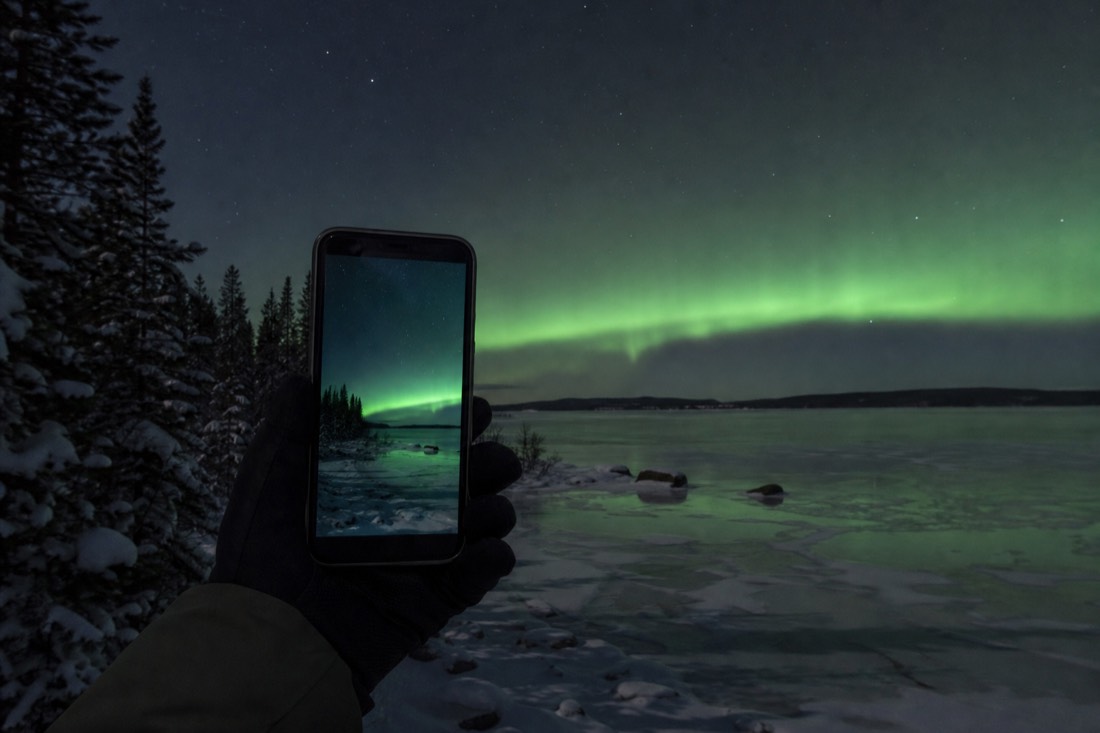
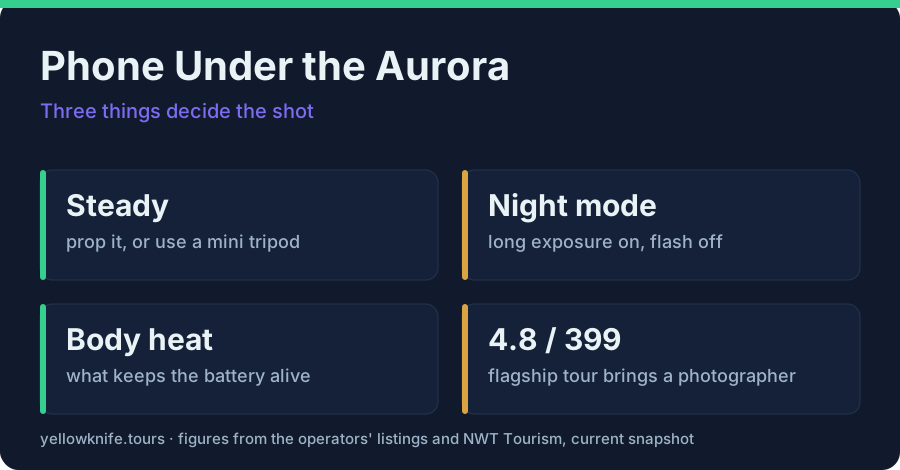
Three things decide whether you go home with a photo or a black rectangle: steadiness, exposure length, and battery. That is the whole discipline. Everything else in this guide is detail hanging off those three.
The honest framing matters too. A phone will not match a proper camera on a faint grey-green band low on the horizon. What it does brilliantly is a bright, active display that fills half the sky and moves while you watch. On those nights the phone in your pocket is genuinely enough, and the odds are good here: Yellowknife sits directly under the auroral oval, with aurora visible up to 240 nights a year.
What should you set up before you leave the hotel?
Do the fiddly work indoors with warm fingers. Turn the flash off, switch night mode or long-exposure mode on, set a three-second self-timer, enable RAW if your phone offers it, drop the screen brightness, and pack a small tripod, a lens cloth and a battery pack in an inside pocket. Out on the ice, cold hands make settings menus nearly impossible.
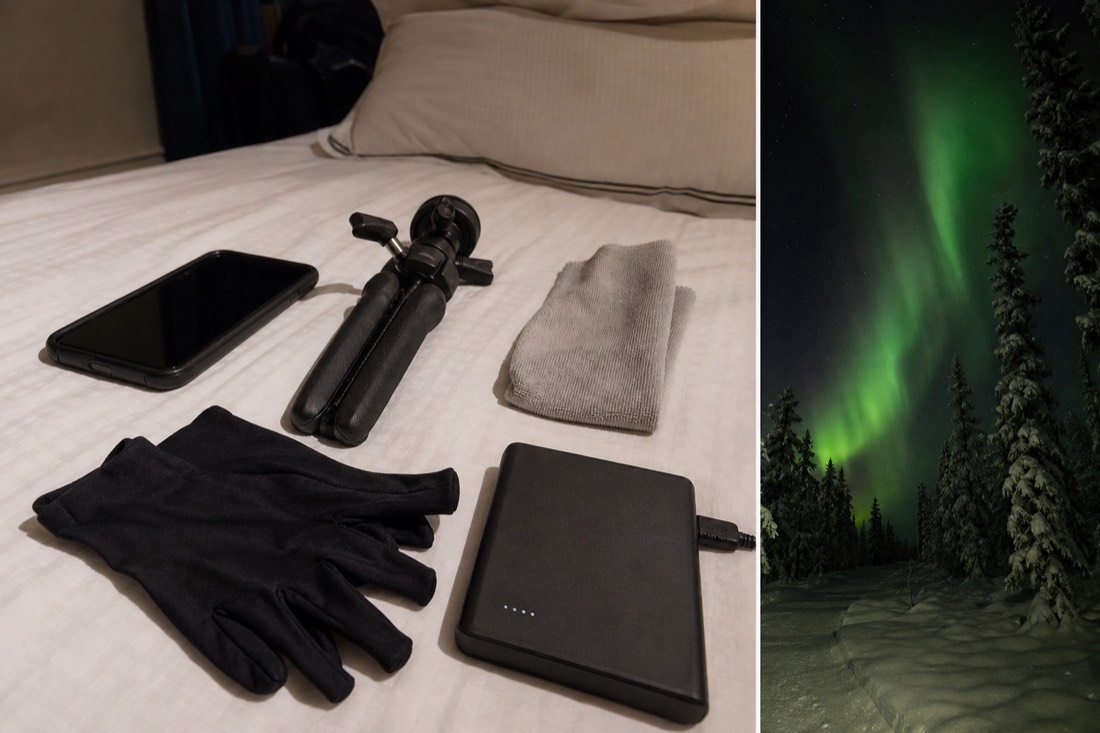
I mean that literally. At minus 25 the touchscreen still works but your fingers do not, and nobody wants to be scrolling a settings menu with bare hands while the sky does its best work. Ten minutes in a warm room saves you the whole night.
| Before you leave | What to do | Why it matters |
|---|---|---|
| Flash | Off, and check it is off | Flash lights up the snow two metres away, never the sky |
| Night mode / long exposure | On, and let the full countdown finish | This is the setting that actually captures aurora |
| Self-timer | Set to 3 seconds | Your finger on the shutter is the most common source of blur |
| RAW or ProRAW, if offered | On | More colour and noise recovery later, larger files |
| Screen brightness | Turn it down | Saves battery and protects your night vision |
| Tripod | Pack a small one, or plan to prop the phone | The single biggest quality jump available to you |
| Power | Battery pack and cable in an inside pocket | Cold drains batteries fast; a warm pack revives a dead phone |
| Lens cloth | Microfibre, in a pocket | Condensation and snow spray both blur everything |
| Gloves | Thin liners under your mitts | You will pull the mitts off, so have a layer underneath |
Liner gloves deserve their own line, because they are the difference between five minutes of shooting and forty. The rest of the clothing question is covered properly in what to wear in a Yellowknife winter, and it is not a side issue: a cold, miserable photographer stops taking photos long before the aurora stops performing.
How do you hold an iPhone still enough for a long exposure?
You do not hold it. You rest it. A small tripod is best, but a snowbank, a fence rail, a backpack or the roof of the van all work if you press the phone into them and use the self-timer. Hand-held night mode gives you a soft, smeared version of a shot that could have been sharp.
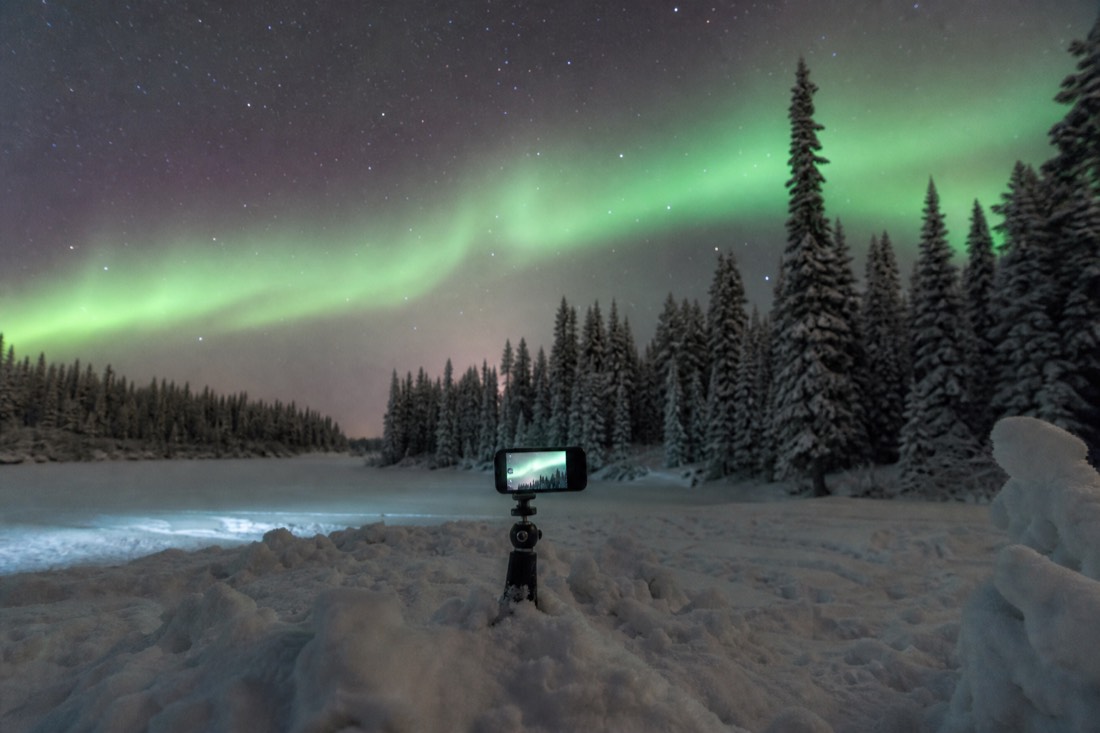
Packed snow is the underrated tripod. Press the base of the phone into it at the angle you want, let go completely, tap the timer, and step back. The three-second delay lets every vibration you introduced die away before the exposure starts. That one habit fixes more phone aurora photos than any app.
Composition is worth ten seconds of thought while the timer counts. A frame of nothing but sky reads as an abstract green blob; put a treeline, a parked van or a person in the bottom third and the picture has scale. If you want yourself in it, stand very still. Anyone who fidgets comes out as a ghost, and that is physics, not a phone fault.
Wipe the lens every few shots. Breath and blowing snow settle on it constantly, and a smeared lens turns a sharp aurora into fog. Coming back out of a heated van, the glass will mist as warm air hits it, so give the phone a minute rather than wiping a wet lens over and over.
Why did my northern lights phone photo come out blurry, black, or orange?
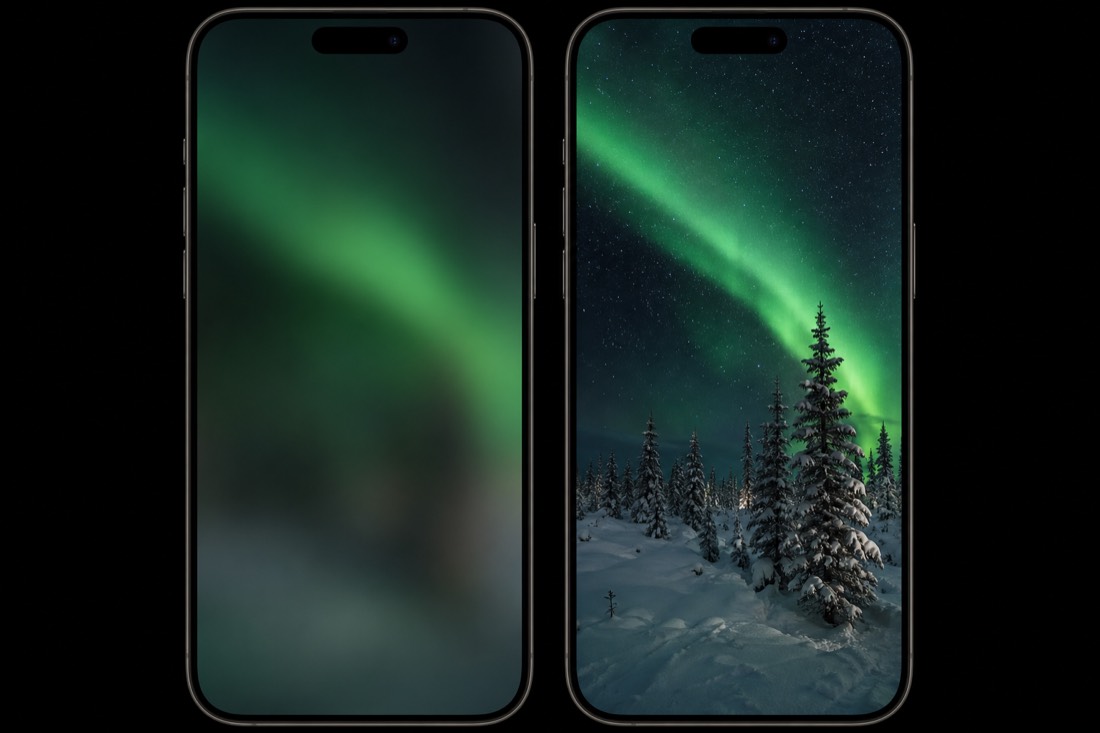
Almost every failed phone aurora shot has one of four causes: movement during the exposure, night mode never engaging, town light pollution bleeding into the frame, or the battery quitting in the cold. Each has a simple fix, and knowing which failure you are looking at takes about two seconds.
| What you got | What happened | The fix |
|---|---|---|
| Green smear, soft stars | The phone moved during the exposure | Rest it on something solid, use the 3-second timer |
| Completely black frame | Night mode did not engage or the exposure was too short | Confirm night mode is on and let the countdown finish before moving |
| Orange or yellow glow along one edge | Town lights bleeding in from the horizon | Turn your back on the city glow, or crop that edge out of the composition |
| Photo stops partway, phone dies | Cold shut the battery down | Warm phone against your body, plug into a pocket battery pack |
| Foggy, hazy, low-contrast image | Condensation or snow on the lens | Wipe with the microfibre cloth, then wait after coming out of the warm van |
| Harsh bright snow, dark sky | Flash fired | Turn the flash off and leave it off all night |
| Sky looked grey to you but green on screen | Nothing is wrong | Your eyes lose colour in low light; the sensor accumulates it |
That last row is not a fault, and it catches out almost every first-timer. A faint aurora often reads as a pale grey arch to the naked eye while the phone shows solid green. The phone is not lying and neither are your eyes. On a strong night the colour is obvious to both.
How fast does the cold kill a phone battery here?
Fast enough that it is the number one reason visitors stop shooting. Yellowknife's January highs average about minus 21.6C with nights near minus 29C, and lithium batteries lose usable capacity hard at those temperatures. A phone that reads healthy at the hotel can shut down mid-tour. Warmth, not charge level, is what keeps it alive.
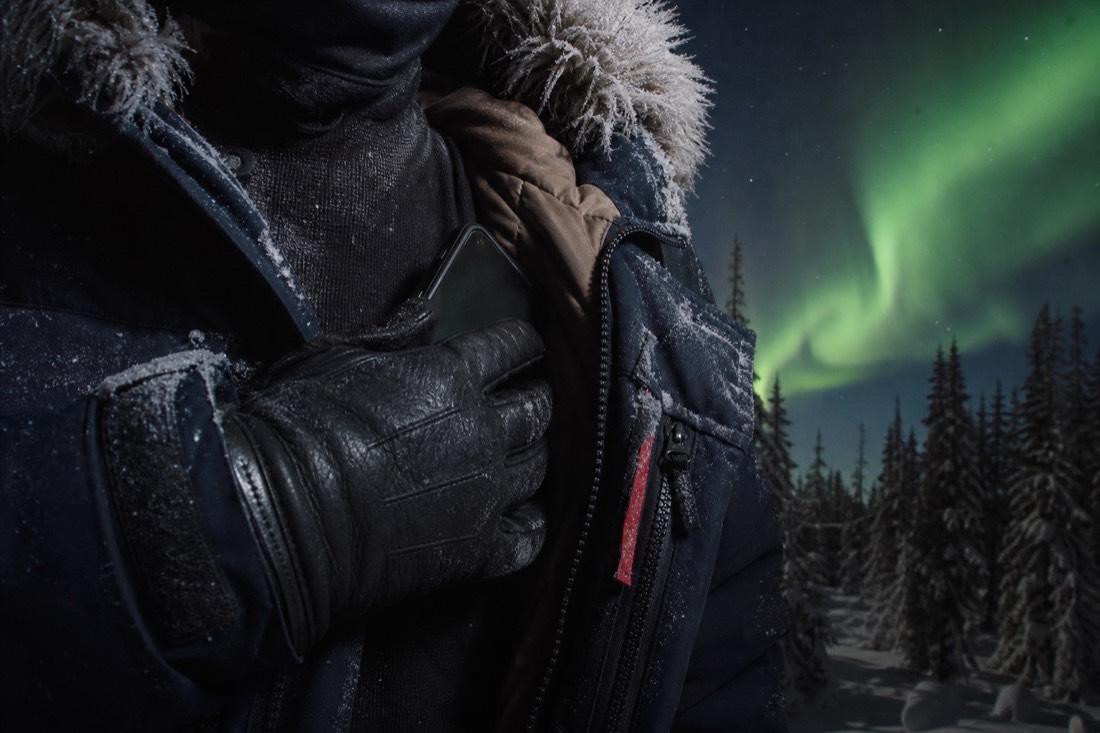
The routine that works is boring and effective: shoot, then put the phone back inside your jacket against your body, not in an outer pocket and not in a backpack. Between viewpoints it lives next to you. A battery pack carried the same way, warm and inside the layers, often brings a phone that "died" back within a few minutes, because the charge was still there and only the cold had taken it offline.
Deep cold here is normal, with nights below minus 20 routine from December through March and minus 30 a regular visitor. The all-time record without wind chill, minus 51.2C in 1947, is documented by Cabin Radio's look at the historical data. What that cold does to a person is described in what minus 30 feels like, and the month-by-month numbers live in how cold it gets in Yellowknife.
Phone, camera, or the tour photographer: which one actually gets the shot?
A phone gets you a good picture of a strong display and a great one of the moment you are having. A camera on a tripod beats it on faint aurora, sharpness and low noise. The photographer riding along on the flagship hunt gets the shot you cannot take yourself: you, lit properly, standing under the lights.
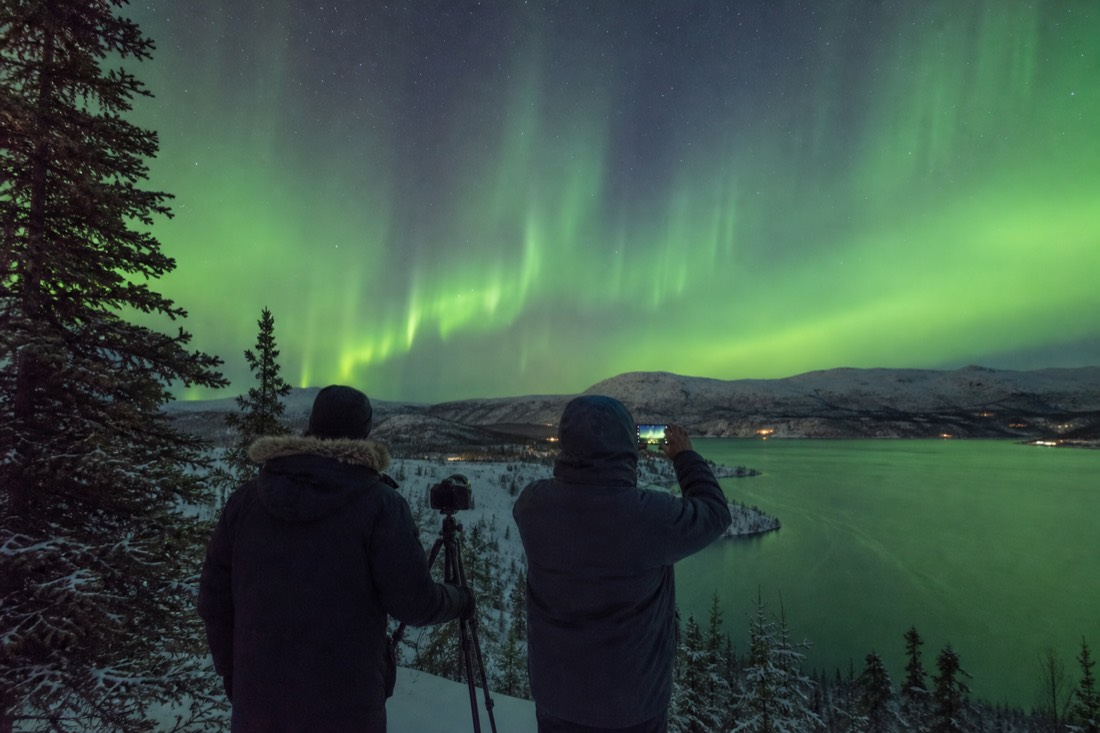
| Phone | Camera on a tripod | The tour's photographer | |
|---|---|---|---|
| Bright, active aurora | Very good | Excellent | Excellent |
| Faint or low aurora | Struggles, noisy | Clearly better | Clearly better |
| You in the frame, lit | Hard, usually a silhouette | Possible with practice | The whole point |
| Gear you must carry | What is in your pocket | Body, lens, tripod, spare batteries | None |
| Skill needed tonight | Ten minutes of reading | Manual mode, learned in advance | None |
| Cold vulnerability | High, battery quits first | Moderate, spares live inside a jacket | Their problem, not yours |
| What you take home | Your own shots, immediately | The best files, after editing | Free photos, no effort |
The three approaches are not rivals. Most of my guests shoot happily on their phone all night and still count the photographer's frames as the pictures they actually print, because those are the ones with them in it. Compare the northern lights tours side by side, then check live availability and prices on Viator for the flagship hunt, which runs four hours with hotel pickup, a maximum of sixteen guests, three viewpoints chased for clear sky, a photographer on board with free photos, and cookies and hot drinks in between. It rates 4.8 across 399 reviews, and cancellation is free up to 24 hours ahead.
When should you be out shooting?
Aim for roughly 10pm to 2am, in either of the two aurora seasons, on a night with low cloud and ideally a dim moon. Cloud cover, not geomagnetic activity, is what usually decides the outcome here, because Yellowknife already sits under the oval and a modest Kp reading is often plenty.
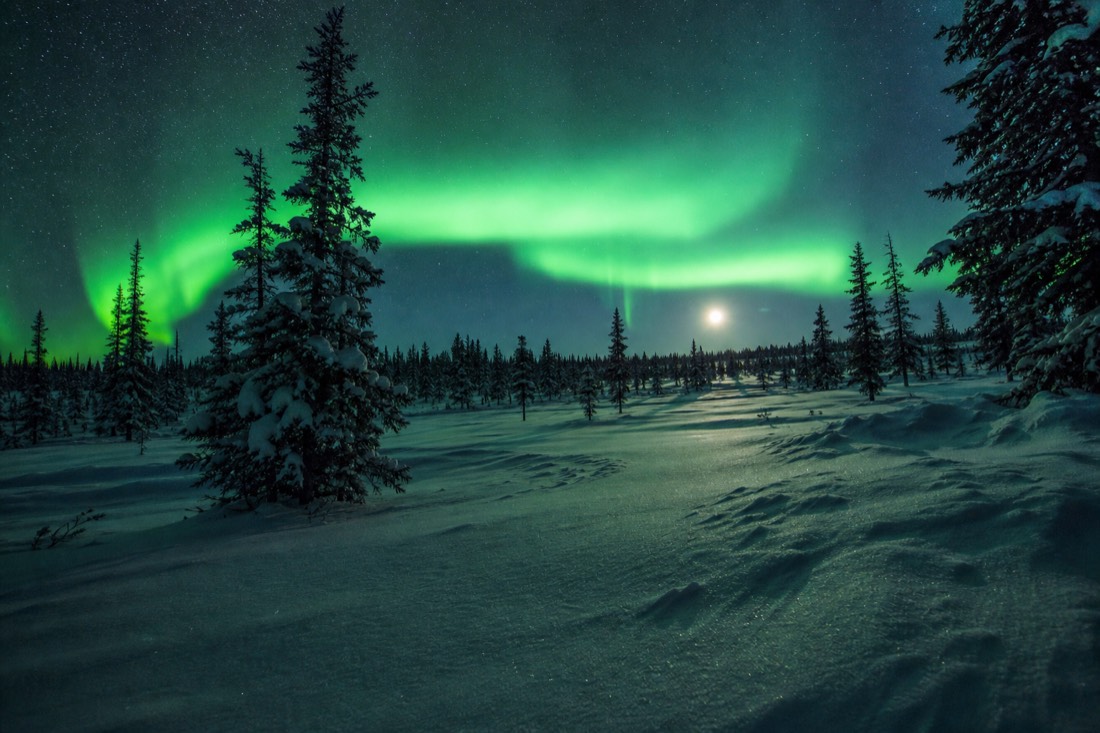
The seasons are set by darkness, not by cold. True astronomical darkness returns in the last days of August and disappears again around mid-April, which is why the windows run mid-August to early October and mid-November to early April, as NWT Tourism's aurora pages lay out. Autumn shooters get lights over open lakes and a reflection to compose with; winter shooters get the longest dark and the hardest cold.
For the night itself, the reliable tool is the short-range nowcast. NOAA's 30-minute aurora forecast tells you something real about the next half hour, while week-ahead aurora predictions do not, and Astronomy North's Yellowknife-specific AuroraMAX feed and forecast resumes for the season on August 10, 2026. Check the cloud forecast with the same seriousness.
Moonlight is the one factor that hits photographers harder than it hits sightseers. A bright moon washes out a faint display and flattens the colour your phone records, so a new moon or a low-illumination night is the photographer's preference, though a strong show simply overpowers the moon and looks superb anyway. If you are still building the trip around all of this, the timing case is argued in full in the best time to see the northern lights in Yellowknife.
My favourite version of this whole business happens near the end of a tour. Someone who spent the first hour fighting their settings gives up, props the phone in a snowbank, taps the timer, and stops looking at the screen entirely. The photo comes out fine. So does the memory, which is the part no sensor was ever going to capture.